
The granny game age rating is the first thing most parents search for, usually right after their child asks for “that granny game everyone at school plays.” The short answer is that every official rating puts Granny in teen territory, not young-child territory — but the reasons behind the rating matter more than the number, because this is a game where how it is played changes how scary it feels.
Granny is a survival horror game by DVloper. You wake up trapped in a dark house and have five days to escape, while Granny patrols the rooms, hears every noise you make, and knocks you out with her bat if she catches you. This guide explains the official ratings platform by platform, what actually makes the game frightening, and the settings that soften it — so you can make the call for your own child.
The Official Ratings, Platform by Platform
Ratings differ between stores because different systems do the rating. Here is what each one says about Granny:
| Platform / system | Granny’s rating | What drives it |
|---|---|---|
| Google Play (Android) | Teen | Content descriptors: Violence, Blood |
| Apple App Store (iPhone/iPad) | 12+ | Horror and fear themes, with cartoon-style violence |
| Common Sense Media (parents’ site) | Age 12+ | Jump scares, blood and frightening chase scenes |
| Community reviews on Common Sense Media | Parents say ~12+, kids say ~11+ | Families split — it depends on the child’s fear level |
Two of these systems are worth understanding properly. In Europe, the PEGI labels guide explains how age labels and content icons work on games, and in North America the ESRB ratings guide does the same job for its Everyone-to-Adults scale. Mobile stores use their own questionnaire-based systems, which is why Google’s “Teen” and Apple’s “12+” can describe the same game slightly differently. Neither store rates Granny for young children, and none of these ratings is close: the consistent message is older kids and teens, with guidance.
For a second opinion written specifically for parents, the Common Sense Media review of Granny is the most useful read — it recommends 12+, and its parent and kid review sections show honestly how much families disagree, which tells you this decision is about your child, not a universal line.
What Actually Makes Granny Scary
The Chase and the Jump Scares
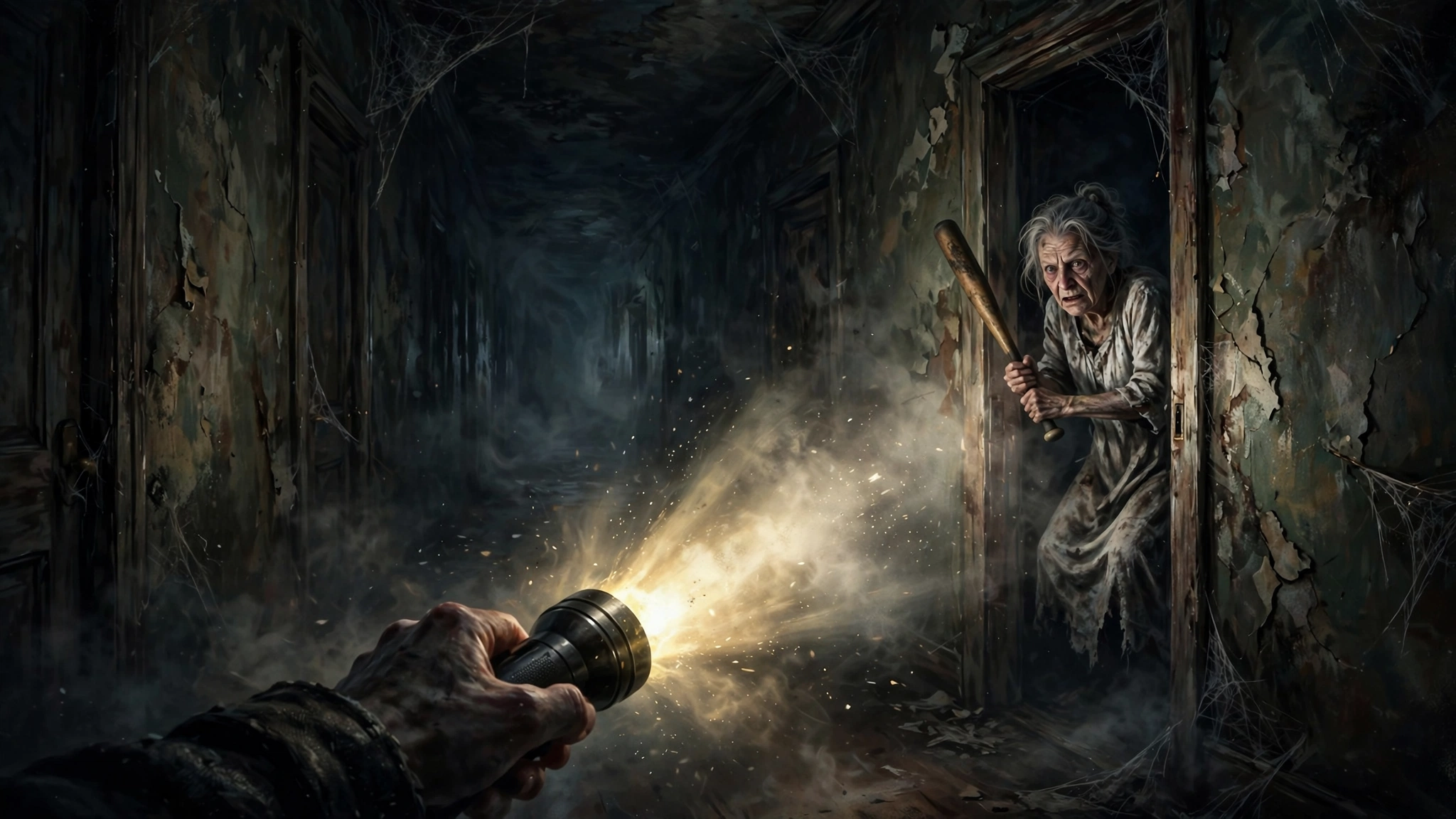
The core of the game is being hunted. Granny hears dropped items, creaking floors and doors, and when she finds you, the screen fills with her rushing at you, bat raised. Being caught ends the day — she knocks your character out — and the sudden appearance is a genuine jump scare, the kind that makes players drop the phone. This startle factor, repeated for a whole session, is the main reason the game is not rated for younger children.
Blood, Knockouts and the Game-Over Scenes
Google Play’s “Violence, Blood” label is accurate. Granny carries a blood-stained bat, bear traps she drops can injure your character, and the game-over moments are abrupt and nasty in tone even though the graphics are simple and far from realistic. There is no gore in the photographic sense, but for a child who takes images literally, tone matters as much as detail. The game’s backstory is unsettling too — our explainer on Granny’s story covers the lore, and it is worth a skim before a younger player starts theorising about it at bedtime.
Sound: The Scariest Part Nobody Rates
Ask players what frightens them most and many say the audio: the creaking boards, the dragging footsteps, Granny’s laugh, and long silences that break without warning. Played with headphones in a dark room — how most kids will play it — the tension doubles. This matters for your decision because it is also the easiest part to control, as the settings section below shows.
What the Ratings Do Not Tell You
A few practical things sit outside any rating label:
- The free version carries ads. Sudden loud ad breaks mid-session are part of the free experience on mobile, and ad content is not chosen by the game’s rating.
- “Nightmare mode” exists in the settings of recent versions. It is an optional extra-horror visual mode. It is off by default — make sure it stays off for a younger player.
- Mod menus can remove the threat entirely. With a Granny mod menu, options like God Mode mean Granny cannot end your day, which changes the game from “hunted” to “exploring a spooky house.” That is a real middle option for an older child who loves the house but not the scares. Note this guide covers the content side only — if you are looking at modified versions, the file-safety questions (where the file comes from, what it asks for) are answered separately in our check of whether Granny Mod APK is safe.
- A full run is easy to preview. Before deciding, watch or play one yourself — our escape walkthrough shows exactly what a complete game looks like, chase scenes included.
Settings That Make Granny Gentler
You cannot remove the horror from Granny, but you can turn its volume down a long way. These are the controls that matter, roughly in order of impact:
- Practice mode. On the Practice difficulty, Granny is simply not home. Your child can explore the whole house, learn the rooms and solve the lock puzzles with zero chase and zero jump scares. For a curious younger player, this mode alone changes the game completely.
- Easy difficulty. On Easy she moves more slowly and gives you more room to escape. It is still the real game, but a noticeably calmer version of it.
- Music and sound down. Turn the in-game music off and keep the device volume modest. So much of the fear is audio that this one change takes the edge off more than parents expect. Headphones off is a good house rule.
- Nightmare mode off. Check the settings once on any device where the game is already installed — it should stay off for any child.
- Play it together, in daylight, on a bigger screen. Co-playing turns a scary game into a puzzle you solve as a team. The PC version or the iOS version on a shared screen makes this easy, and the distance from the screen genuinely reduces the intensity for younger players.
If you are setting the game up yourself so you can apply these controls first, our install guide walks through it step by step — two minutes of setup buys you a much calmer first session.
A Parent’s Checklist Before You Decide
- Play or watch one full run yourself. Ten minutes tells you more than any rating page, including this one.
- Judge your child, not the average child. Ratings describe typical reactions. A horror-loving eleven-year-old and a sensitive thirteen-year-old are different cases.
- Start with Practice mode together. Let them show you the house. Move to Easy only if that goes well.
- Agree the stop rules in advance. If it stops being fun, it stops — no teasing, no “one more day” after a bad scare, and not right before bed.
- Check in afterwards. Bad dreams and next-day jumpiness are your real rating system. Adjust based on what you see, not on what the store page said.
Gentler Alternatives If Granny Is Too Much
If the verdict is “not yet,” you do not have to ban the whole genre. Cartoon-style chase games such as Scary Teacher 3D swap the horror for slapstick — the menace is played for laughs rather than dread. Stealth and escape-room puzzle games without a hunter character give the same “explore and solve” feeling with nothing chasing anyone. And Granny itself, in Practice mode, is honestly one of the gentlest spooky games available: the same house, emptied of its one frightening resident. Our guides hub and the main Granny Mod APK page collect everything else we publish on the game, and new parent-focused pieces appear on the blog as we write them.
Granny Age Rating FAQs
What is the official age rating for Granny?
There is no single worldwide rating, because each store uses its own system. Google Play rates Granny Teen, with the content descriptors “Violence, Blood.” Apple’s App Store rates it 12+. Common Sense Media, the parents’ review site, also recommends 12+. Whichever system you trust, they all land in the same place: this is a game for older children and teens, not for young kids.
Is Granny OK for a 7-year-old?
By the ratings, no — every system puts the line at 12 or into the teens, and the game’s jump scares, bat attacks and dark atmosphere are built for that older audience. If a 7-year-old is asking, the honest options are Practice mode played together (no Granny, no scares) or a different game entirely. Do not let an older sibling’s normal-mode session be a small child’s first experience of it.
Is Granny OK for a 10-year-old?
This is the genuinely borderline age. The ratings say wait, and most parents reviewing the game agree with roughly 12+. Some 10-year-olds who already enjoy mild horror will handle Easy mode fine; others will be thinking about it at 2 a.m. If you decide to allow it, use the softened setup — Practice first, then Easy, sound down, co-played — and treat the first sign of real distress as your answer.
Does Granny have blood in it?
Yes, a modest amount. Google Play lists “Blood” as a content descriptor: Granny’s bat and parts of the house show blood, and being caught is abrupt and unpleasant. The graphics are simple rather than realistic, so it reads as cartoon-horror rather than gore — but it is a main reason the game is not rated for young children, and the optional Nightmare mode increases the horror imagery further.
Can you turn the scary parts off?
Partly. Practice mode removes Granny from the house entirely, which removes the chase and the jump scares — the two scariest elements. Easy mode slows her down, and turning the music off lowers the tension a lot. What you cannot do in the normal modes is remove her altogether; outside Practice mode, being hunted is the game.
Why do the ratings differ between Google Play and the App Store?
Because the systems ask different questions. Google Play’s rating comes from a content questionnaire scored against several international rating authorities, while Apple applies its own age bands and content descriptions. The result — “Teen” in one store, “12+” in the other — is two labels for the same judgement: mild-to-moderate horror content aimed above young childhood.