

The granny 1.8.13 update is live, and it is the first new version of DVloper’s horror game in more than five months. Released on November 12, 2026, Granny 1.8.13 is a small but meaningful patch: it fixes a frustrating bug in Practice Mode, brightens the Christmas theme, refreshes the menu background images, and cleans up a few other minor issues. There is no new ending or escape route — but if you use Practice Mode, this is an update you will feel. This guide explains each change, what it means for your game, and how to update safely. As of November 15, 2026, the update is confirmed on Google Play for Android only.
What Happened: Granny 1.8.13 Released on November 12, 2026
DVloper released Granny 1.8.13 on November 12, 2026. The official Google Play listing shows “Updated on Nov 12, 2026”, and APKMirror and Uptodown both record version 1.8.13 uploaded November 12, 2026. The previous version, 1.8.12, had been the current release since June 6, 2026, so players waited just over five months between updates.
The official “What’s new” note on Google Play lists four items: a fix for Granny catching the player in Practice Mode; a slightly brighter Christmas theme; new menu background images; and some other minor adjustments and bug fixes. That is the complete official changelog, and everything in this article is built only on those four points. Claims elsewhere of a new ending, item or escape route in 1.8.13 do not come from DVloper’s official notes — treat them as unconfirmed. For the full picture of which version is current, see our Granny Mod APK latest version page.
What Changed in Granny 1.8.13
The changelog is short, but each change affects the game differently — here is what each one means when you play.
1. Practice Mode Fix: Granny Can No Longer Catch You
This is the most important change in Granny 1.8.13, and it is the one players will notice first. In Practice Mode, Granny is not supposed to be a threat at all. The whole point of the mode is to let you explore the house freely, learn where items spawn, memorise the layout, and test escape routes without the pressure of being hunted. Before this fix, a bug meant Granny could still catch the player in Practice Mode, which broke the mode’s entire purpose: your run could suddenly end while you were studying the basement or working out a route.
That bug mattered: Practice Mode is where new players learn the game and experienced players test ideas, and constant interruptions slow that learning down. The fix restores Practice Mode to what it was always meant to be — a calm, pressure-free space to learn. If you are new to the game, our Granny tips and tricks guide explains how to use Practice Mode well, and our how to beat Granny guide walks through the escapes you can rehearse there.

One honest note: the official note confirms the fix but not the bug’s exact cause, so we cannot say what triggered it before. As of November 15, 2026, Practice Mode should behave as described. If Granny still catches you after updating, first check your version really reads 1.8.13 (we show how below), then see our Granny Mod APK not working guide.
2. The Christmas Theme Has Been Made Slightly Brighter
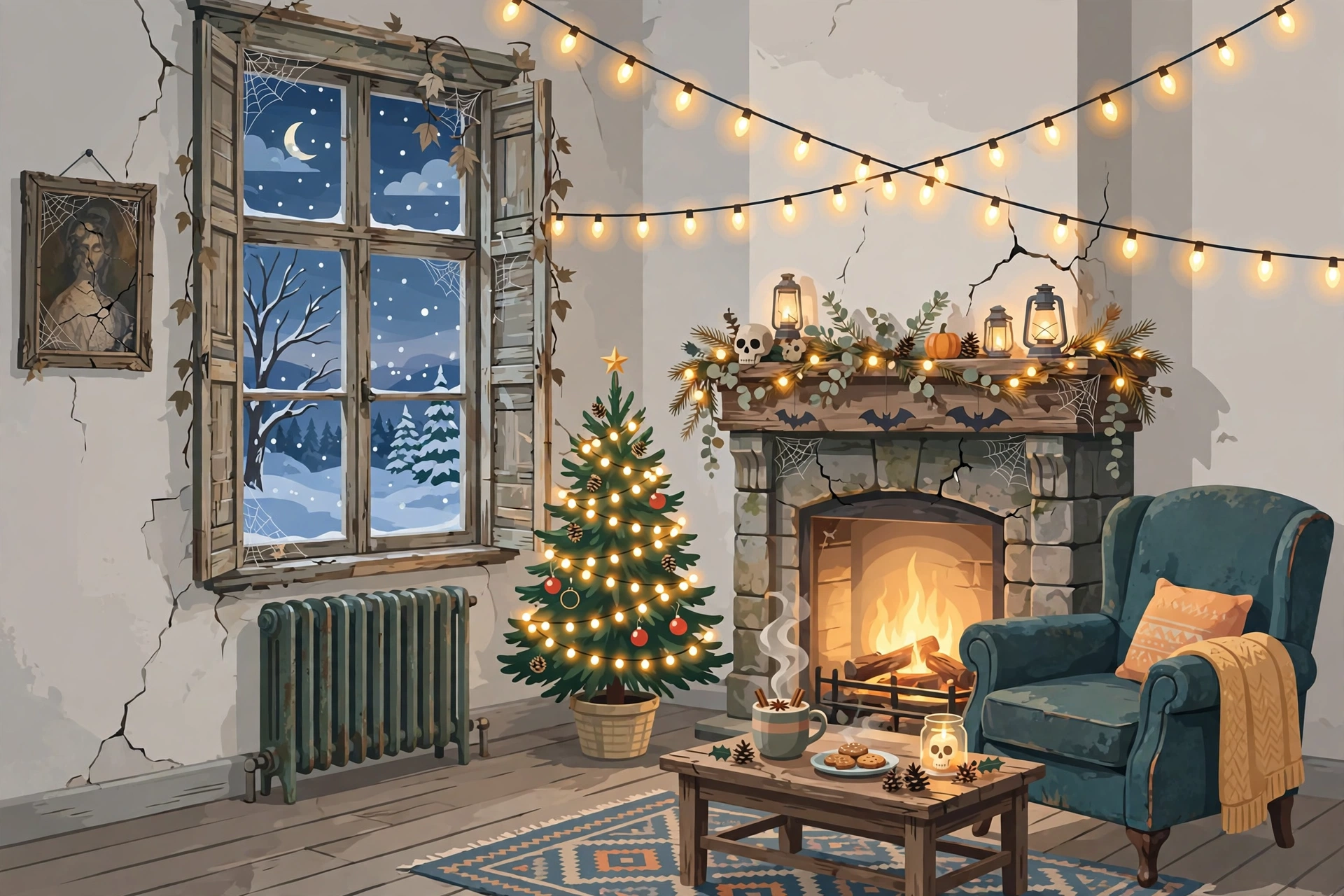
The second change is visual. DVloper says the Christmas theme has been made slightly brighter. The keyword there is “slightly” — this is a tuning change, not a redesign. The Christmas theme is the seasonal look the game takes on around the holidays, and the update lifts its brightness a little so the festive decoration reads more clearly on screen. Expect the Christmas-decorated house to look a touch lighter, with decorations standing out a little more. Gameplay is untouched: the theme is cosmetic, and the house, items and Granny behave exactly as before.
3. New Menu Background Images
The third change is also visual: the menu background images have been replaced with new ones. The main menu is the first screen you see every time you open the game, so this is the change most players will spot before they even start playing. DVloper has not described the new images in detail, so we will not guess at what they show. What is confirmed is that the old menu backgrounds are gone and new ones are in place as of 1.8.13. Menu art does not affect gameplay, but a refreshed menu is a small sign the game is still being cared for after five months without an update.
4. Minor Adjustments and Bug Fixes
The final changelog line covers “some other minor adjustments” and “a few bugs” fixed. DVloper has not listed these individually, so we cannot name them, and this article will not invent a list. In practice, this usually covers small stability and polish fixes too minor to list one by one. If you noticed a small glitch in 1.8.12, check after the update whether it is gone.
Granny 1.8.12 vs Granny 1.8.13: What Actually Changed
The table below summarises the update change by change.
| Change | Granny 1.8.12 (June 6, 2026) | Granny 1.8.13 (November 12, 2026) |
|---|---|---|
| Practice Mode | Bug: Granny could still catch the player | Fixed: Granny can no longer catch you in Practice Mode |
| Christmas theme | Standard brightness | Slightly brighter festive look |
| Menu background images | Older menu artwork | Replaced with new menu images |
| Other bugs | Various minor issues present | Some minor adjustments and bug fixes applied |
| Endings | Same endings as before | No change — no new ending added |
| Escape routes | Door, car and sewer escapes | No change — no new escape route |
The pattern is clear: 1.8.13 is a fix-and-polish release, not a content release. One real bug is fixed, two visual elements are refreshed, and the rest of the game is untouched.
What Granny 1.8.13 Does NOT Change
Because small updates attract big rumours, here is what 1.8.13 does not do: no new ending — the endings in our Granny game endings guide are still the complete set as of November 15, 2026; no new escape route, item or room; no change to difficulty modes, controls or achievements. For a refresher, see our Granny game controls and Granny game achievements guides. The fix also does not make other modes easier.
How to Update to Granny 1.8.13: Step by Step
If you play the official game from Google Play, updating is simple:
- Open the Google Play Store app on your Android phone or tablet.
- Tap your profile icon, then tap “Manage apps and device”.
- Tap “Updates available” and look for Granny in the list. If it appears, tap “Update” next to it.
- Alternatively, search for “Granny” in the Play Store, open the official listing by DVloper, and tap “Update” if the button is shown. The official listing is the Granny page on Google Play.
- Wait for the download and install to finish, then open the game.
- Check your version on the game’s main menu or the Play Store listing: it should read 1.8.13. If it still reads 1.8.12, the update has not installed yet.
- Test Practice Mode: start a run and confirm Granny does not catch you — the fix only exists in 1.8.13.
If the update does not appear yet, do not panic — Play Store updates roll out gradually. Make sure your Play Store app is up to date, check free storage, and try again later. Never download the update from random third-party sites; the only confirmed safe source is the official Google Play listing above. You can also read about DVloper’s games on dvlopergames.com, and Granny is available on PC through Steam.
What About the Granny Mod APK?
As of November 15, 2026, the mod APK on this site’s homepage is still based on 1.8.12, so the Practice Mode fix, brighter Christmas theme and new menu images are not in the mod yet. Mod versions always lag official releases because each mod must be rebuilt on the new official version.
If you want Granny 1.8.13 now, update the official game from Google Play. If you prefer to wait for the mod, watch the homepage and our latest-version page — the listing will change when a 1.8.13-based mod is ready. Until then, do not trust random sites claiming a “Granny 1.8.13 mod APK”: no official channel has confirmed one as of November 15, 2026, and an unconfirmed mod file can be outdated, broken or unsafe. If you are installing a mod for the first time, our how to install Granny Mod APK guide walks through the safe steps, and if you would rather stay on an older version for any reason, our Granny Mod APK old version page explains the trade-offs.
Frequently Asked Questions
Is Granny 1.8.13 safe to download?
Yes. It is the official DVloper release, published on Google Play on November 12, 2026, and as safe as any previous official version when downloaded from the official listing. Avoid third-party sites, especially any bundling it as a mod.
Does Granny 1.8.13 add a new ending?
No. The official changelog lists no new ending, and the endings remain the same as in 1.8.12. Any site claiming a new ending in 1.8.13 is not reporting DVloper’s official notes.
Does the Granny Mod APK work with 1.8.13?
Not yet. As of November 15, 2026, the mod APK on this site is still based on 1.8.12 and needs a new build before it includes the 1.8.13 changes. Update the official game from Google Play if you want 1.8.13 now.
Is the Christmas theme automatic in 1.8.13?
The Christmas theme is a seasonal look in the game, and 1.8.13 only makes it slightly brighter — it does not add a new theme or change how the theme is switched on. If the theme was showing before the update, the brighter version is what you will see now.
What should I do if the 1.8.13 update does not show in the Play Store?
Check you are signed into the Play Store, the store app is up to date, and you have free storage and a stable connection — then try again later, since updates roll out gradually. Never sideload the update from an unknown site.
Does Practice Mode still work the same after the fix?
The rules are the same — the mode now simply works as intended. Granny should no longer catch you, so you can explore, learn item locations and rehearse escapes without interruption. Other difficulty modes are unchanged.
Conclusion
Granny 1.8.13, released November 12, 2026, is a small, honest update: a Practice Mode fix that genuinely matters, a slightly brighter Christmas theme, new menu art, and minor fixes. It adds no new content — but the fix restores Practice Mode to the safe learning space it was meant to be. Update the official game from Google Play now; mod players should expect the 1.8.13-based build to follow later. As of November 15, 2026, that is everything DVloper has officially confirmed — the rest is rumour until the developer says otherwise.