
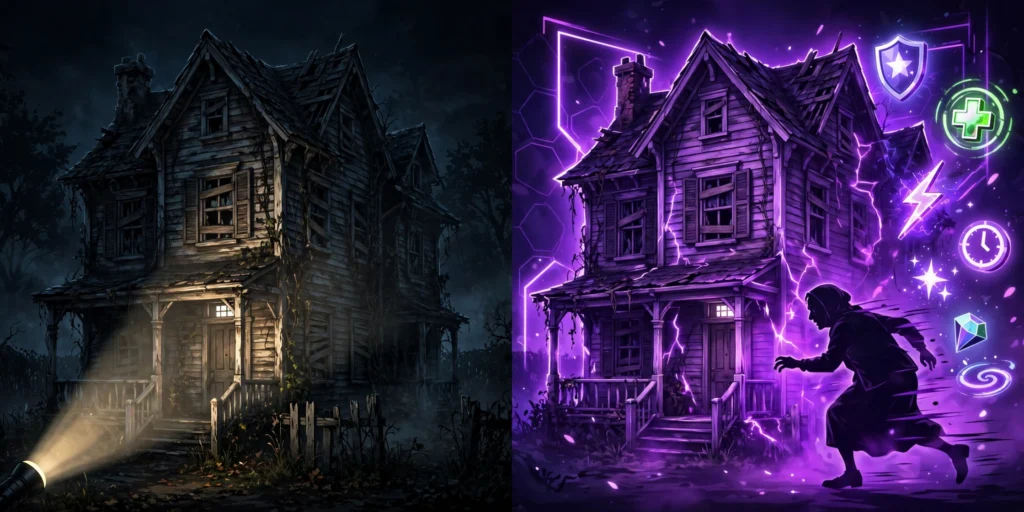
The granny mod apk vs original question sounds simple, but the two versions feel like different games once you start playing. Underneath, they are the same game: same house, same story, same five days to escape. What changes is everything wrapped around that core — a cheat menu, no ads, no official updates, and a very different level of risk. This comparison walks through each difference honestly, including the parts mod sites usually leave out, so you can pick the version that actually suits you.
The Short Verdict
If you have never finished the game, play the original first: it is the real challenge, it updates officially, and it comes from a source you can verify. If you are stuck on the same day for the tenth time, want to learn the house without pressure, or record content, a mod build is the better tool — it trades the genuine scare for control. Neither is “the real Granny” more than the other; they are the same escape, played at two different difficulty philosophies.
The Original Game: What You Get From Google Play
The original is DVloper’s official release, distributed through the official Google Play listing. You wake in a dark room, locked in Granny’s house, with five days to find a way out — through the front door or by repairing the car in the garage. Granny hears almost everything: dropped items, creaking floorboards, a door opened too fast. That sound-driven tension is the whole design, and nothing in the official build lets you switch it off.
The official version is free and supported by ads, which appear between attempts rather than during a chase. It receives updates directly from the developer, it is scanned by Google Play Protect before and after install, and your progress lives in the official app’s own data. There are no cheats, no shortcuts, and no settings that make Granny slower or weaker — difficulty is chosen only through the game’s own Practice, Easy, Normal, Hard, and Extreme modes. For many players, that purity is the point: beating the original on Hard means something precisely because nothing helped you.
What a Mod Build Actually Changes
A mod build is the same game files, altered by a third party to add a mod menu — an overlay panel of toggles the original does not have. The exact list depends on the build, but the standard set is consistent: god mode (Granny’s hits do nothing), freeze (she stops moving entirely), all weapons unlocked, unlimited ammo for the shotgun and crossbow, and in most builds the ads are stripped out as well. The Granny Mod menu APK page breaks down every common feature and what it does in a live run.
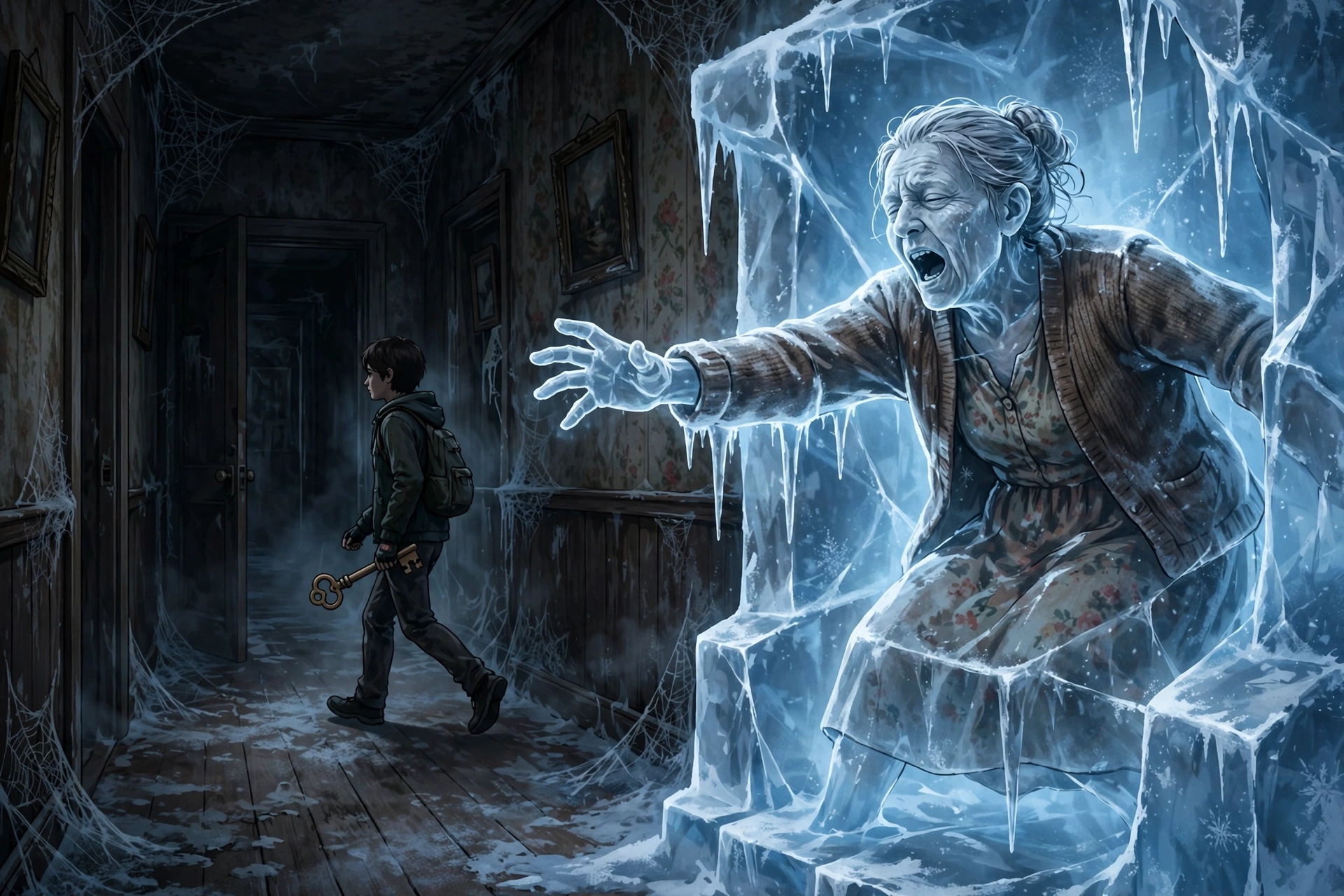
Notice what is not on that list: the house, the items, the endings, and Granny herself are untouched. A mod does not add rooms, change where keys spawn, or rewrite the story. It changes your relationship with the danger. With freeze on, the house becomes a pure puzzle you can study at walking pace. With god mode on, getting caught costs you nothing but a few seconds. That is genuinely useful for learning — and it genuinely removes the fear the game was built around. Both things are true at once, and which one matters more depends on why you play.
Side-by-Side: The Full Comparison
| Area | Original Granny (Google Play) | Mod build |
|---|---|---|
| Core game, house and story | Full original game | Identical — same content |
| Mod menu (god mode, freeze, more) | No | Yes — toggle overlay |
| Difficulty control | Practice to Extreme modes only | Modes plus menu cheats |
| Advertisements | Yes, between attempts | Removed in most builds |
| Weapons and ammo | Found and earned in the house | Often unlocked, unlimited ammo in many builds |
| Updates | Automatic, straight from DVloper | None — wait for a new mod build |
| Source and scanning | Google Play, Play Protect scanned | Third-party sites, scan it yourself |
| Saves and progress | Official app data | Separate install, its own save |
| Price | Free (ad-supported) | Free (unofficial) |
| Support if it breaks | Developer’s official channels | Nobody — community help only |

The table hides one asymmetry worth spelling out: every row where the mod wins is about convenience, and every row where the original wins is about trust and longevity. Convenience matters on day one. Trust matters on day thirty, when the mod build is two updates behind and something in it stops working.
Who Should Play Which Version
Play the original if this is your first time in the house, if you enjoy real tension, or if you simply want the version that always works. The learning curve is the game: your first escapes will be slow, noisy, and short, and that is exactly the experience DVloper designed. Players chasing a personal best or a no-cheat completion should also stay official — a win only counts if nothing helped.
Play the mod if you have already beaten the game and want to explore, if you are hopelessly stuck and one guided run would teach you the item locations, or if you make videos and need controlled scenes instead of random deaths. A frozen-Granny run through the house, following the route in our escape walkthrough, teaches you more about item spawns in twenty minutes than a week of dying in the dark. Players with very little free time also get more from the mod: unlimited attempts at full speed, no ad breaks, no punishment for experimenting. If you prefer a big screen for those practice runs, the Granny Mod APK for PC page covers emulator play.
The Honest Downsides of the Mod
Mod sites list features; they rarely list costs. There are four, and you should know all of them before switching.
No official updates. When DVloper patches the game or adds content, the official version updates itself. A mod build is frozen at the version it was built from, and a modified build of the new release appears only when someone makes one — days or weeks later, sometimes never. Our latest version and mod status page tracks where things stand.
Source risk. The official game comes from one verified place. A mod comes from whichever site repackaged it, and repackaging is exactly how tampered files spread. This does not make every mod malicious — it makes checking non-optional. Read is Granny Mod APK safe for the scan and permission checks, and keep Google Play Protect switched on so Android itself keeps an eye on whatever you installed.
Switching is destructive. Moving between the original and a mod is not an upgrade — it is a replacement, and the old install (with its progress) has to go first. The next section explains why, and the step-by-step install guide covers doing it cleanly.
Nobody supports it. If a mod build crashes, the developer cannot help you and neither can Google. You are relying on your own troubleshooting — our not working fixes cover the common failures — or on switching builds.
Can You Install Both at the Same Time?
Usually, no — and it is worth understanding why, because many sites pretend otherwise. Android identifies an app by its package name, and both the original and almost every mod build use the game’s own package name. Two apps with the same package name cannot coexist: the second install either replaces the first or fails with a signature error, because the mod is signed with a different key than DVloper’s. Rare repackaged builds with a renamed package do exist, and those can sit beside the original — but a renamed package is also a sign of heavier tampering, so treat such files with extra suspicion.
The practical answer: pick one per phone. If you want both experiences, the normal route is the original on your phone and the mod on a second device or an emulator — or accept that switching means uninstalling, and losing the local progress of the version you removed. Back up your expectations, not your save file: there is no official cloud save quietly protecting it.
If you are staying on an older build for stability while you decide, the old versions compared page shows what each release changed, so you know exactly what you are giving up.
Frequently Asked Questions
Is the mod harder or easier than the original?
Easier — deliberately. The underlying game is identical, but god mode, freeze, and unlimited ammo remove the consequences that make the original tense. You can turn every cheat off and play it straight, but the moment the menu exists, the temptation does too.
Does the mod change the story or the endings?
No. The story, the house layout, the items, and both escapes (front door and car) are the same in both versions. A mod changes your tools, not the game’s content — anyone selling a “mod with a new story” is describing a different fan game, not this one.
Will my original save transfer to the mod?
No. The mod is a separate install with its own data, and installing it normally means removing the original first. Local progress does not carry across, in either direction. Finish any run you care about before you switch.
Is the mod free like the original?
Yes, mod builds are distributed free — but “free” from an unofficial site is not the same as free from Google Play. There is no store checking the file, no reviews you can fully trust, and no refunds concept at all. Free is precisely why the safety checks matter.
Which version is better for a complete beginner?
The original, for the first few runs. Its difficulty modes (Practice has no Granny at all) teach the house honestly. Once you know the layout and keep dying at the same lock or the same staircase, a mod practice run is a better teacher than another week of guessing.
Can I get banned for using a mod?
There is nothing to ban you from: Granny is a single-player, offline game with no accounts and no servers. The real risks are a bad file and a broken build, not punishment. Google Play Protect may still warn you about or remove a harmful file — that is your phone protecting itself, not a ban.
Final Word
Original or mod is not a question about which file is better — it is a question about what you want from the house. Want the fear, the updates, and the clean conscience of a verified source? Stay official; the homepage tracks the current version either way. Want control, practice runs, and no ad breaks, and accept the update lag and the checking that comes with unofficial files? Take the mod, scan it properly, and learn the house properly. And whichever you choose, the guides section will get you out of that house alive more often.